 Personal project
Scano QR
QR scanner and OCR
An ad-free Android app for scanning QR codes, creating QR codes from 7 templates and extracting text from photos with OCR.
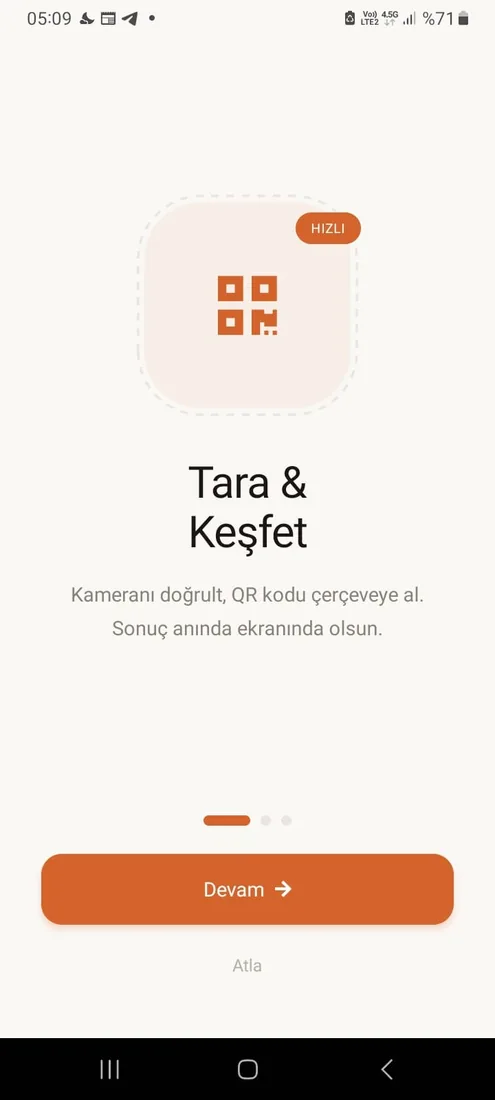
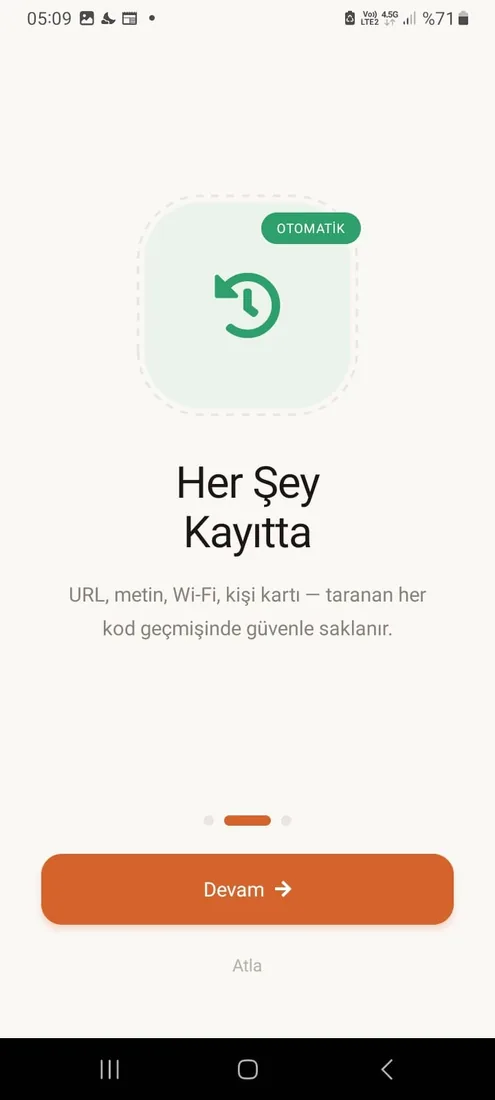
Scano QR is a free tool that brings fast, safe QR code scanning, QR code creation and text extraction from images together in one app. I, Berke Özyaşar, built the app as a personal project and published it ad-free on Google Play.
Why
Many QR scanner apps are full of ads that slow down even a simple scan. I designed Scano QR to be clean, ad-free and focused on one job: open the camera, line up the code in the frame, see the result.
Features
- Fast scanning: automatic detection of QR code types, including URL, text, Wi-Fi and contact card
- Scan from gallery: decoding QR codes in photos already on the phone
- QR generator: 7 templates: URL, text, Wi-Fi, contact card (vCard), email, phone and SMS
- OCR: recognizing text in images and turning it into editable text
- Saving and sharing the QR codes you create
Technical approach
I built the app with React Native and combined the camera, code decoding and text recognition in one interface. Camera-based scanning and OCR are technologies I also use in business projects: in the TCT warehouse app I built for a client, barcodes and labels are read with the phone camera. Scano QR is a simple, consumer-facing application of that experience. In the UI I kept scanning, creating and text extraction on separate screens rather than mixing them, so users can jump to whatever they want to do with a single tap.
For warehouse and field apps built around camera scanning, see the barcode warehouse systems page and the barcode warehouse app post. The app's landing page is at sberke.com/scanoqr.
Status
Scano QR is live on Google Play for Android.