Trading bots and indicators
Expert Advisors and indicators for MetaTrader 4/5, TradingView Pine Script indicators and Polymarket bots in Python.
If you have a trading strategy with clear rules, you can turn it into a program that runs without you sitting in front of the screen. I'm Berke Özyaşar, and I develop Expert Advisors (EAs) and indicators for MetaTrader 4 and 5, Pine Script indicators for TradingView, and Polymarket bots in Python.
Who it's for
- Traders who want to automate a strategy they currently run manually
- Anyone who wants an indicator or alert system that generates signals based on their own rules
- Those who want a bot that scans for price gaps on prediction markets such as Polymarket
- Anyone who wants to fix or improve the source code of an existing EA or indicator
What's included
- Custom MetaTrader EA development: entry and exit rules, order management, trading hour filters
- MQL4 and MQL5 indicators, TradingView Pine Script indicators
- Risk management: lot size calculation, stop-loss, take-profit, daily loss limit
- Backtesting on historical data with Strategy Tester, and parameter optimization
- Python bots for Polymarket: order book scanning, order placement, on-chain transactions
- Logging, notifications and monitoring dashboards
Technology
On the MetaTrader side, MQL4 and MQL5, the trade classes in the standard library and Strategy Tester. Pine Script for TradingView. For the Polymarket bots, Python, py-clob-client, web3.py and the Polygon network, with Grafana for monitoring. Every system keeps a detailed log of its decisions and orders, so you can always see afterwards why the bot opened a trade.
How I work
1. The strategy is written down
A sentence like "buy when RSI is low" can't be turned straight into code. Which timeframe, which condition is checked at the close of which candle, how the position is closed: we turn all of it into a written specification together.
2. Development and testing
After writing the code I backtest it on historical data and share the results in a report. To avoid overfitting during optimization, I hold back part of the data and never show it to the optimizer.
3. Demo and live
Before going to a live account, it is forward-tested on a demo account or with very small amounts. For systems that need to run around the clock, I help with the VPS setup.
Important note
No one can guarantee that a bot will be profitable, and neither do I. What I deliver is software that applies your rules without errors, limits risk and records what it does. Strategy decisions and market risk are yours; this page is not investment advice.
Related projects
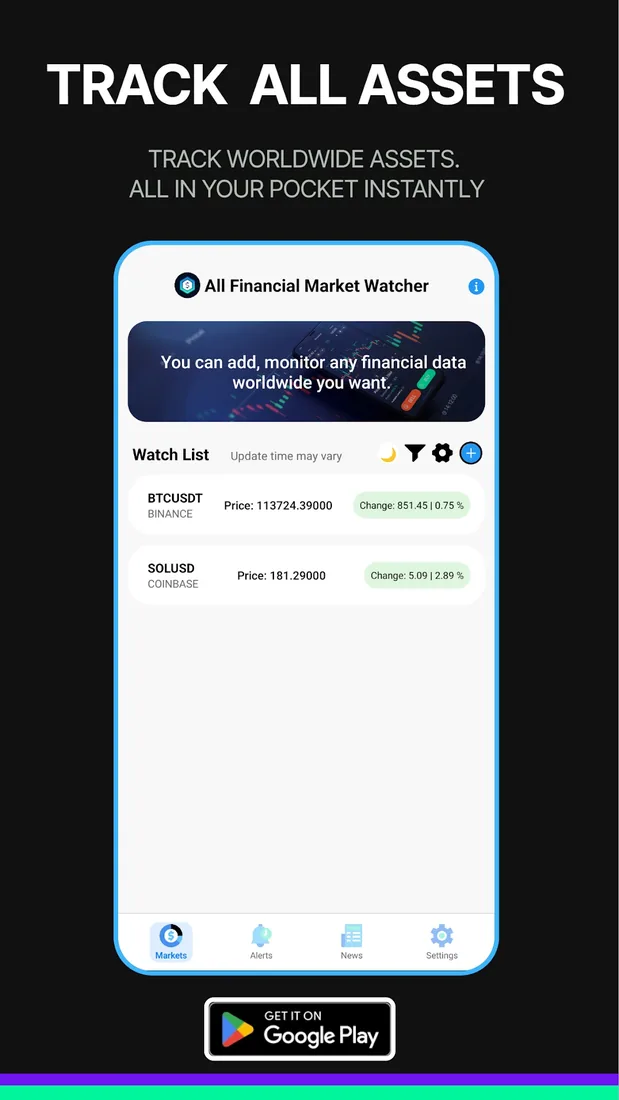
The Polymarket bots are based on an arbitrage approach: when the combined price of YES and NO drops below 1 dollar, the bot buys both sides and merges them on-chain. I explained the details in this article. My MetaTrader EAs and indicators and the All Financial Market Watcher market tracking app are my other work in this area.