TODOB
Web-based task management
A web-based task manager you can open from any device with an account code, organizing tasks by category, priority and due date.
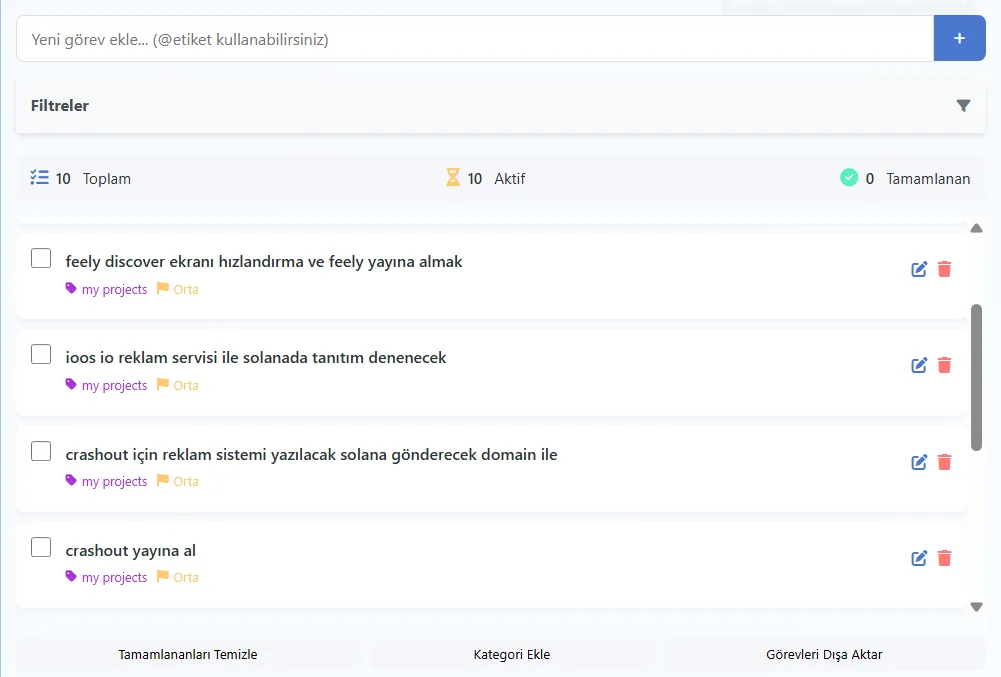
TODOB is a modern, easy-to-use task management app. It lets you organize tasks by category, priority and due date. I, Berke Özyaşar, built the app with PHP and JavaScript as a personal project; it runs on sberke.com.
The idea
Most to-do apps ask for sign-up, email verification and a password. In TODOB, your personal task list is accessed with an account code: anyone who knows the code can open the list from any device. I chose this approach to lower the barrier to getting started with a small tool as much as possible.
Features
- Access your personal task list from any device with an account code
- Assign categories, priorities and due dates to tasks
- Filtering and search
- A customizable category system
- A mobile-friendly interface
- Exporting task data
Technical approach
I wrote the server side in PHP and the interface in plain JavaScript. Because data is stored on the server, entering the same code on another device brings up the same list. I designed the interface to work on everything from a phone screen to a desktop. The export feature was added so users' data is not locked into the app. Since the category system is customizable, the same tool can be set up separately for work tasks, shopping lists or personal plans, and filtering and search help you quickly find a task as the list grows.
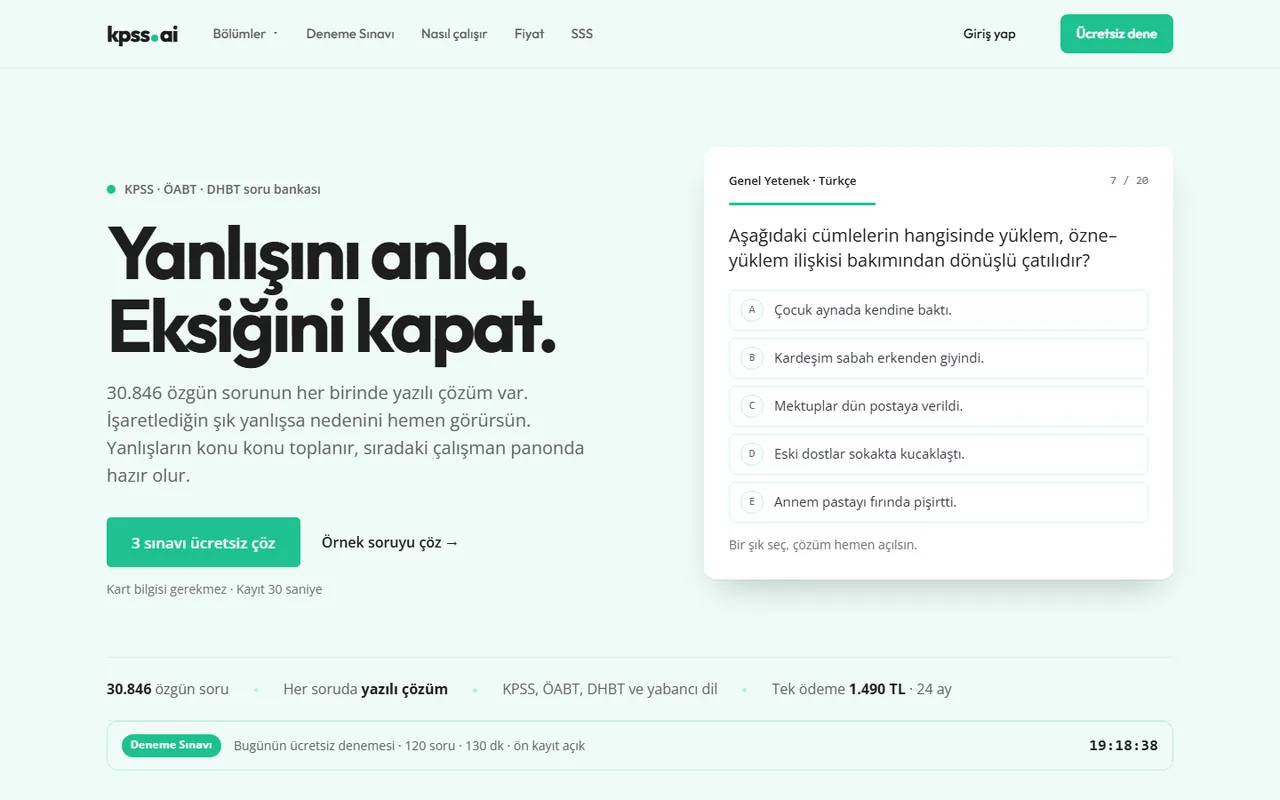
The code-based login approach is also used in kpss.ai, where users sign in with a 6-character code. For a different approach that keeps data only on the device, see my mobile habit app Momentum. For a similar web tool, take a look at the web development page.
Status
TODOB is available at sberke.com/todob.